
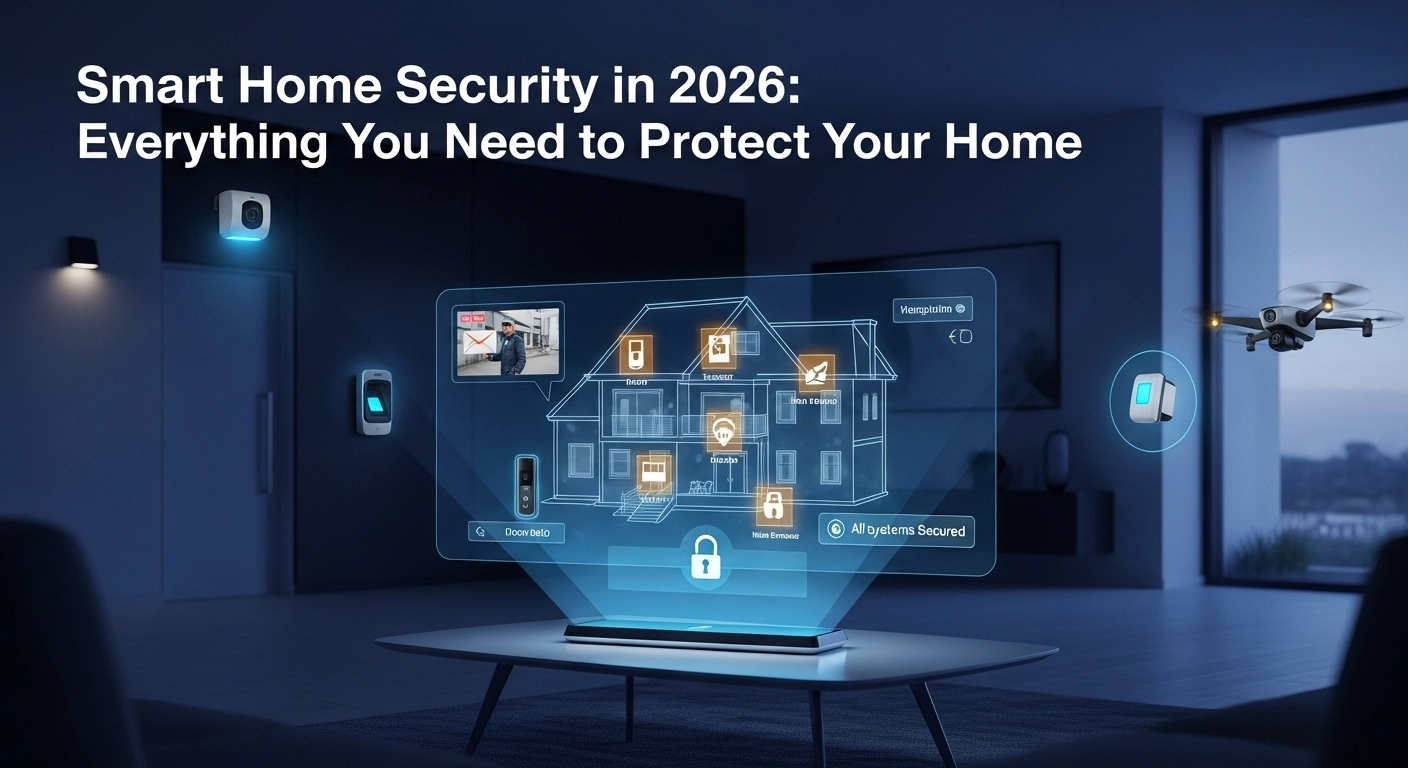
For years, home security meant a loud alarm box on the wall and a monthly bill you could not cancel. Today, the average household can put together a more capable system for a fraction of the cost, set it up in an afternoon, and never pay a subscription if they do not want to. Smart home security in 2026 is about layers, not gadgets. A camera by the door, a sensor on a window, a motion detector in the hallway. Together, they create something genuinely hard to sneak past.
Thank you for reading this post, don't forget to subscribe!This guide breaks down what a practical, modern smart home security setup looks like, what it costs, and the common mistakes that make expensive kit useless.
Start With a Smart Video Doorbell
The front door is where most home break-ins start, or at least where they are scouted. A good smart doorbell solves two problems at once. It lets you see who is there in real time, and it records everything that happens at the door whether you are home or not.
Brands like Ring, Google Nest Doorbell, Eufy and Reolink cover every budget. Look for local storage options if you want to avoid a monthly cloud fee. Battery models are fine for most homes and save you wiring work. For extra security, pick one that supports two-way talk so you can speak to whoever is at the door even when you are at work.
Add Outdoor Cameras for the Weak Spots
Two outdoor cameras are usually enough for most houses. Place one covering the driveway or front path and one covering the back garden or rear door. Look for cameras rated at least IP65 for weather resistance and with good low-light performance, since most incidents happen at dusk or overnight.
The visible presence of a camera is already a strong deterrent. Add motion-activated floodlights where practical. The sudden burst of light is more off-putting to intruders than a silent recorded camera, and it also makes your footage much sharper at night.
Protect Every Entry Point With Sensors
Cameras see what happens. Sensors catch what moves. Cheap door and window contact sensors tell your phone or alarm the instant something opens. Motion sensors cover rooms where you would not fit a sensor on every window.
Kits from Aqara, SwitchBot, Hive, Eufy and Ring all include compact sensors that run on coin batteries for a year or more. Place them on ground-floor windows, the front and back doors, and any awkward side gate that gives easy access.
Choose an Alarm You Will Actually Use
A siren that goes off by accident gets switched off for good, which is the worst kind of security. Pick an alarm hub that supports proper scheduling, home and away modes, and quick arm and disarm through your phone or a keypad at the door. Ring Alarm, SimpliSafe, Hive View and Eufy are the usual picks in the UK.
A good setup lets you disarm when you come home, set a night mode that activates only outside sensors, and alert your phone even if the sirens themselves are silent, so you can check before startling the dog at 3am.
Do Not Forget Indoor Cameras
Indoor cameras are useful for checking in on pets, elderly relatives or a workman left alone. Look for cameras with physical privacy shutters you can close when you are home, or disable them automatically when your phone detects you on Wi-Fi.
Privacy is a legitimate concern, so keep indoor cameras in communal spaces like hallways and living rooms, not bedrooms or bathrooms. Also make sure whatever system you pick uses end-to-end encryption for video streams, which most modern brands now do.
Use Smart Lights as Deterrents
A house that looks lived-in is a house that gets skipped. Smart bulbs or plugs can schedule your lamps to switch on and off at natural times, mimicking a normal evening pattern while you are away on holiday. The difference between a dark house and a softly lit one is far greater than most people realise.
Combine this with a TV or radio on a smart plug for an hour or two, and your house looks convincingly occupied from the street. This is one of the oldest security tricks in the book and smart plugs have made it effortless.
Back Up Your Wi-Fi and Power
Your security system is only as reliable as your internet and electricity. If your router dies, many wireless systems drop offline. A small uninterruptible power supply to keep your router and hub going during a power cut is a cheap, sensible addition. Look for a UPS with 30 to 60 minutes of runtime.
For internet, some alarm kits include a mobile data backup so they can still notify you if your broadband goes down. If yours does not, consider a router with a cellular backup or a separate 4G hub for emergencies.
Keep It All Up to Date
Smart home security devices are connected to the internet, which means they must be kept patched like any computer. Set every device to auto-update if possible. Change default passwords the moment you set them up. Use strong, unique passwords on the accounts that control your cameras.
Enable two-factor authentication on the manufacturer’s app. If your camera account ever gets breached, 2FA stops an intruder from simply logging in and switching everything off. It takes five minutes to set up and closes the biggest weakness of connected security.
Think About Privacy and the Law
In the UK, outdoor cameras that record beyond your property boundary may fall under GDPR. You should angle cameras so they mostly cover your own land, use clear signage that CCTV is in operation, and avoid pointing cameras at neighbours’ windows. Check the ICO guidance if in doubt.
Doing this properly not only keeps you within the rules but also makes your neighbours more comfortable, which matters if you ever need their cooperation after an incident.
Final Thoughts
Modern smart home security is cheap, flexible and subscription-free if you want it to be. Start with a video doorbell and a couple of outdoor cameras, add sensors to the main doors and windows, and use smart lighting to keep your home looking lived-in. Do the basics well, keep everything updated, and respect privacy laws, and you will end up with a setup that is both strong and genuinely reassuring. Real security is boring, quiet and rarely tested. That is exactly what a good smart system should feel like.